
Your systems share data on their own
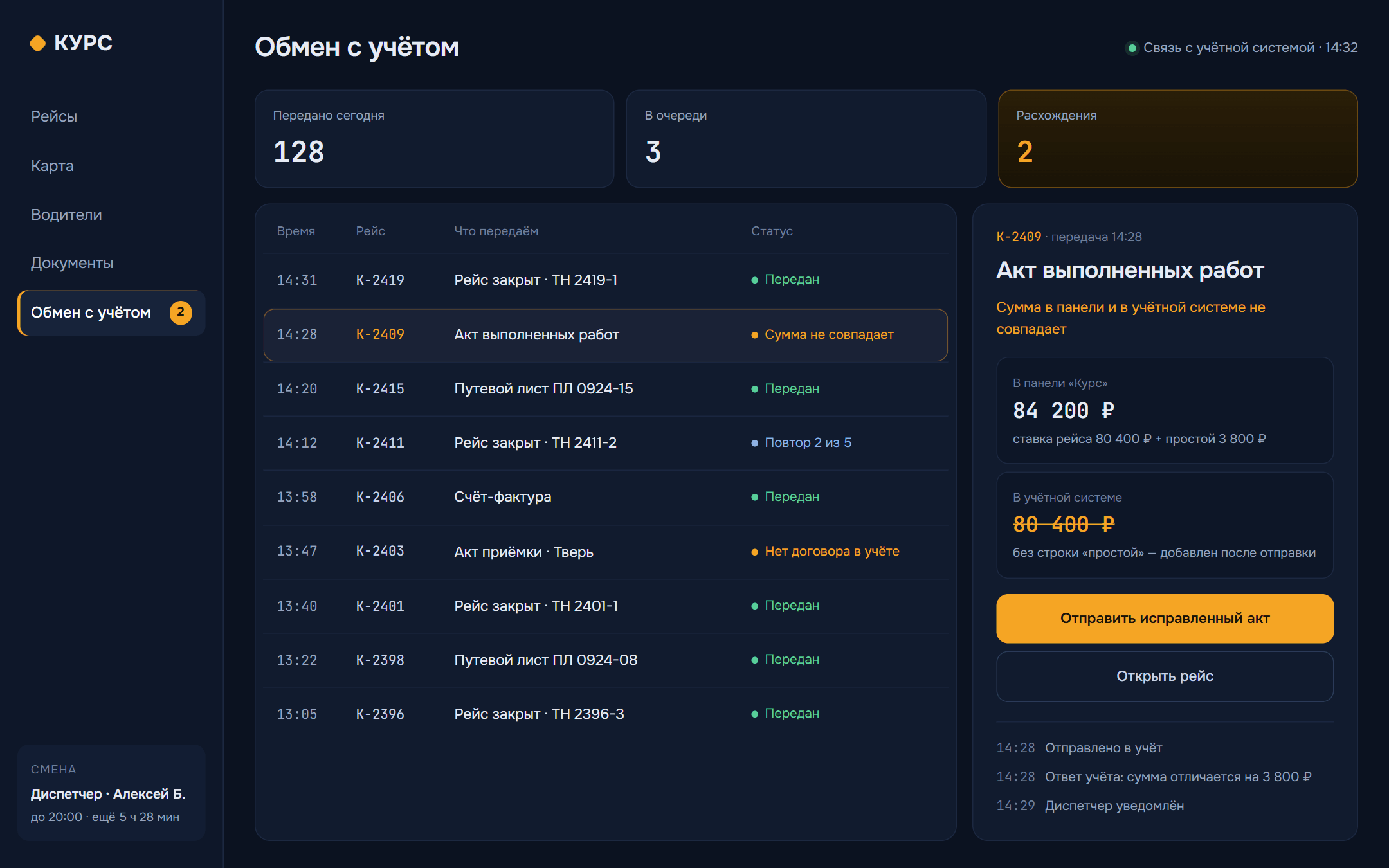
We set up automatic data exchange between your website, CRM, 1C, warehouse, email and online payments. A request from the site lands in the CRM, the order goes to accounting, and the payment is marked where it should be. Your staff stop copying data and spend that time on clients.
When it makes sense
What’s included
- A log of every exchange, errors includedStudio concept · fictional data
- A map of your systems: what data goes where, and when
- Data exchange set up between your systems
- Automatic resending if a system was down
- Alerts to the people responsible
- Testing on real data
- Documentation of how the exchange works
Separately, by agreement
- Changes on the accounting system side
- Moving historical data
- A monitoring dashboard
- Support
What it costs
one link between two systems
Exact price after a call- Integrations and automation
How we work
- 01
Data map
We list the systems involved, what data moves between them and who is responsible for it.
- 02
Exchange plan
We agree on the format, how often data moves and what happens on errors, and check it with your other contractors.
- 03
Development
We set up the exchange and the error log, then run it all on a test copy with your data.
- 04
Launch
We switch over to the live systems and keep an eye on things for the first few weeks.
Before the first call
Didn’t find your question?
Message us on Telegram. Someone from the team will answer you personally.
Message us on TelegramAnything with an API or data export: accounting systems, CRMs, inventory tools, payment providers, email, Telegram. If there’s no API, we’ll talk through other ways to get the data out.
The data waits and goes out again once the system is back. The person responsible gets a notification, and the log shows what happened.
We’ll need access to a test database and a contact for whoever looks after your accounting system. Usually something small has to change on their side too.
A simple connection often can be. We’ll give you the timeline after a call, once we’ve seen the systems.
We plan the exchange with room to grow, so a new system plugs into the same setup without a rewrite.
See also
- ServiceCRM and ERP systemsWe build a CRM and ERP for your business: requests, clients, orders, stock and reports in one system instead of spreadsheets and chats
- ServiceTelegram bots and mini appsWe build a Telegram bot or mini app where clients book, order and pay on their own, and you get the request straight away
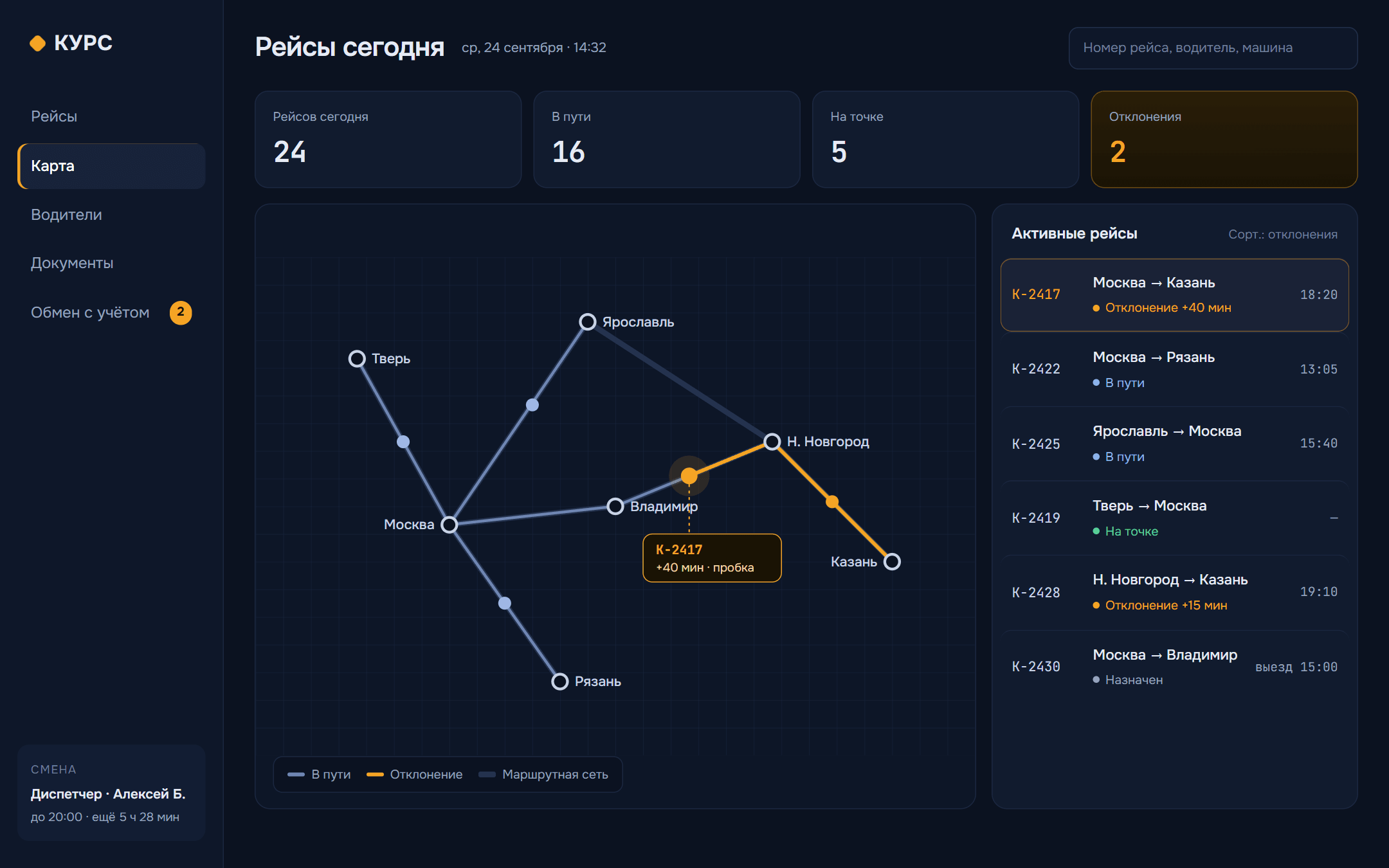
- CaseDispatcher panel for a transport companyTrips, statuses and documents sit in one window for the dispatcher, and data goes to the accounting system without anyone retyping it.
- IntegrationsConnecting your website, CRM and accounting so nobody copies data by handRequests get copied into the CRM, orders retyped into accounting, and the statuses never match. How data exchange works, what breaks and what the first connection costs.
Let’s connect your systems
List the systems that need to share data, and we’ll tell you what’s possible.